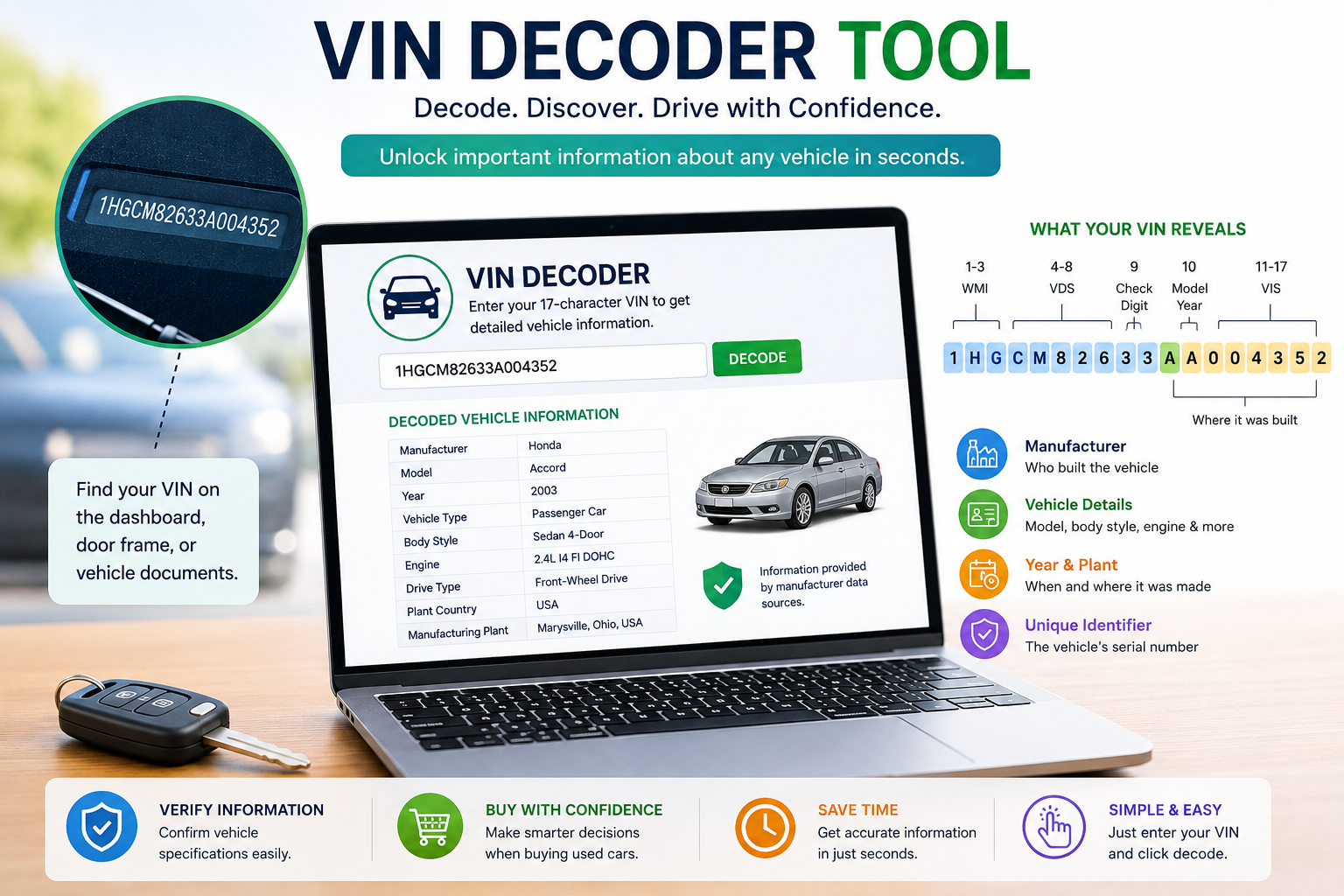
A VIN Decoder is a useful tool for anyone who wants to learn more about a vehicle. VIN stands for Vehicle Identification Number, and for vehicles covered by U.S. VIN requirements, it is a unique 17-character code made up of letters and numbers.
Whether you are buying a used car, checking your vehicle information, or simply want to understand what the characters in your VIN mean, a VIN decoder can make the process much easier.
What Can a VIN Decoder Tell You?
A VIN decoder can translate the characters in a VIN into easier-to-understand vehicle information.
Depending on the vehicle and available manufacturer data, a decoder may provide information such as:
- Vehicle manufacturer
- Model
- Model year
- Vehicle type
- Body information
- Engine information
- Manufacturing plant
- Other manufacturer-reported specifications
The official NHTSA VIN decoder uses manufacturer-provided information to return decoded vehicle details.
How Does a VIN Decoder Work?
Using a VIN decoder is usually simple.
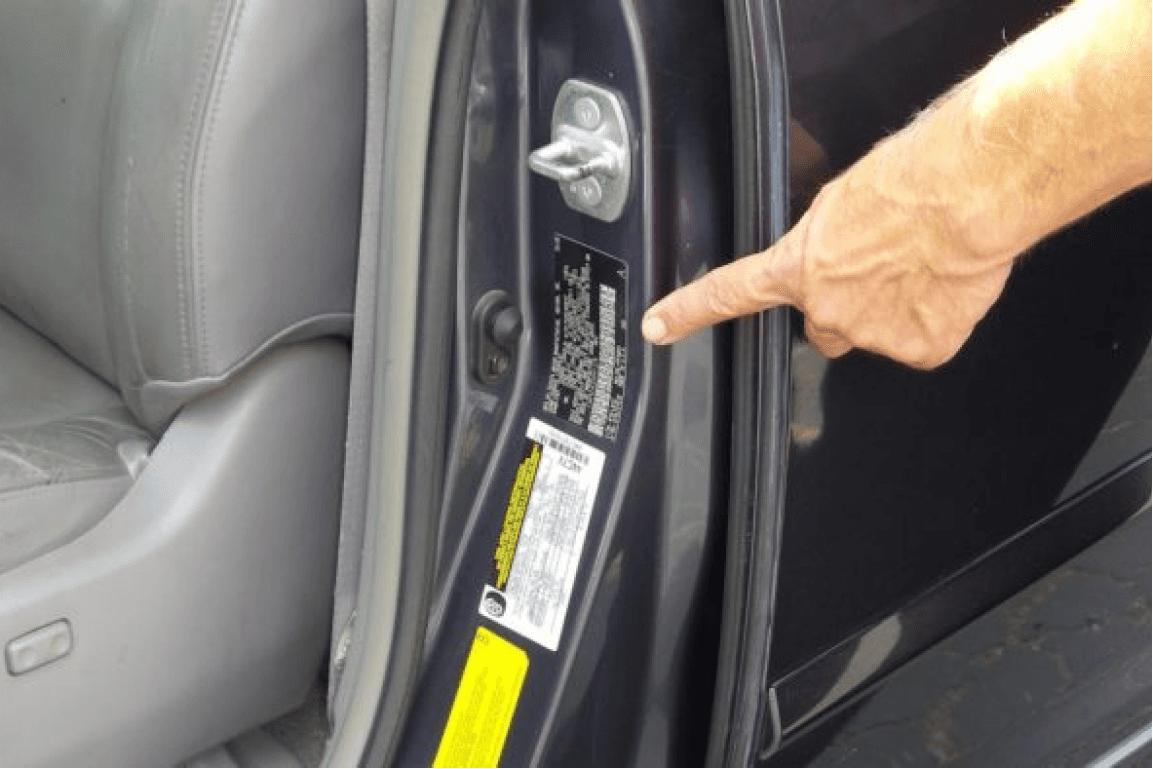
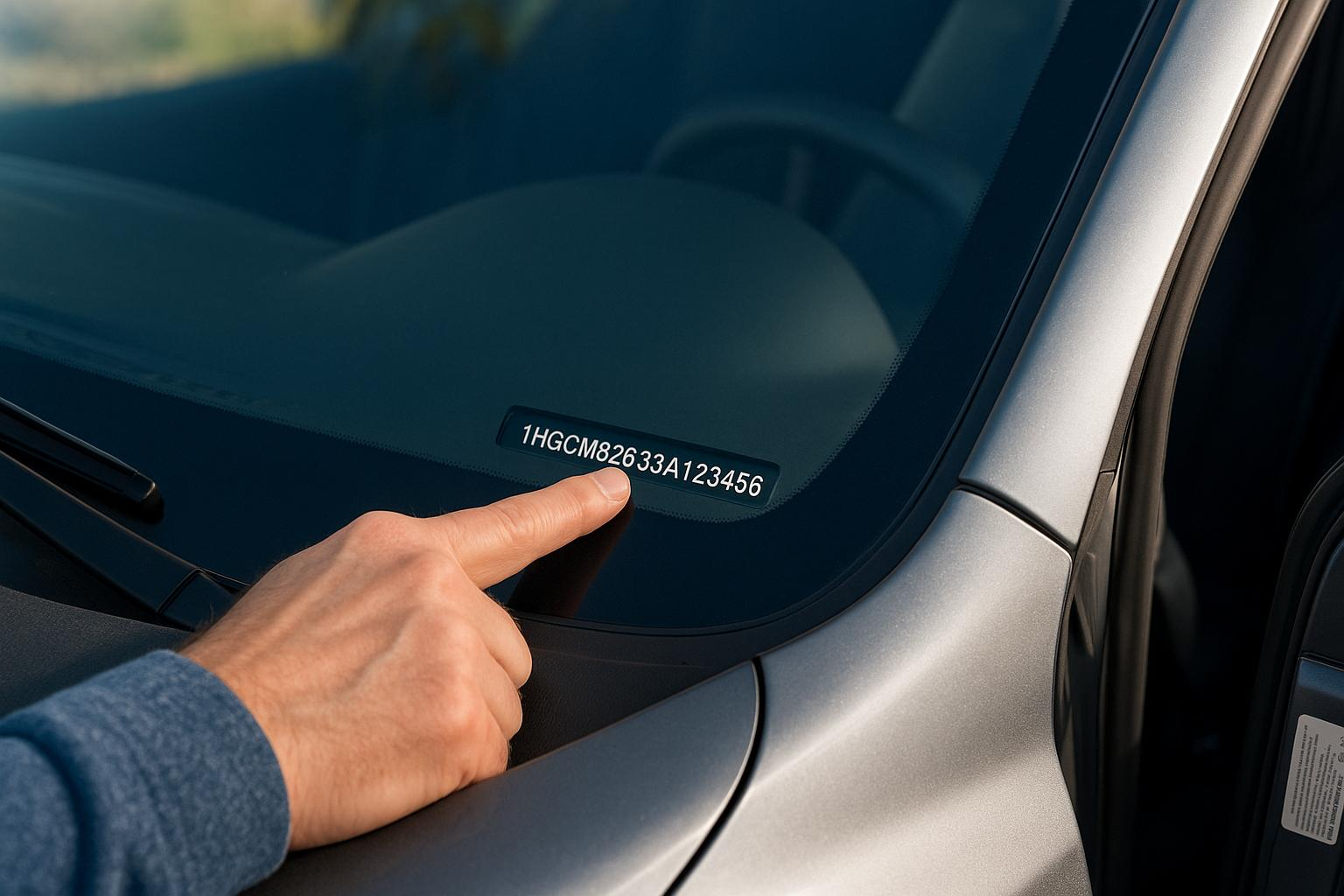
Step 1: Find your vehicle’s VIN.
Step 2: Enter the VIN into the decoder.
Step 3: Check the decoded vehicle information.
The VIN decoder reads the characters and matches them with available vehicle data.
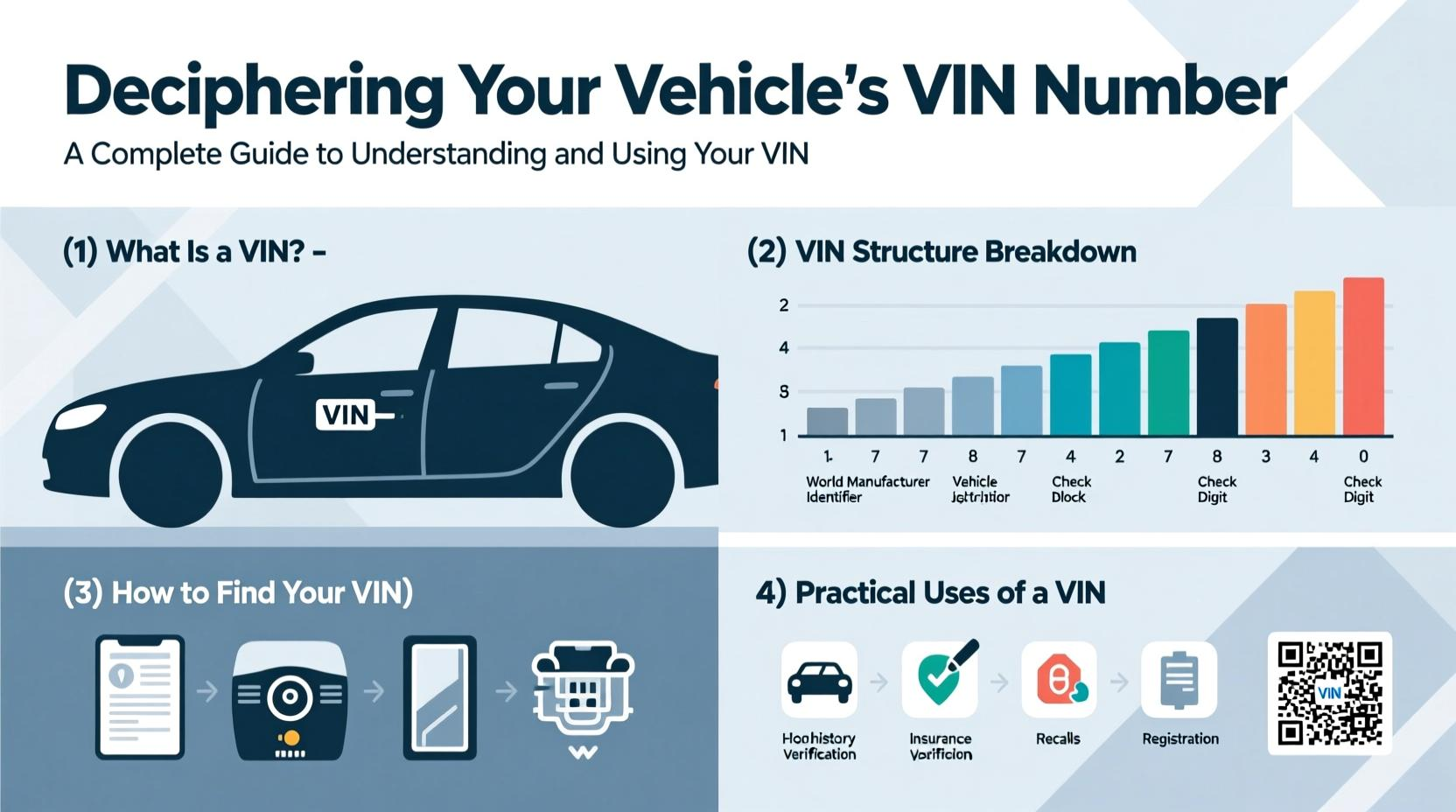
For example, the VIN structure contains sections that identify the manufacturer and vehicle characteristics, while other positions represent information such as the model year, manufacturing plant, and vehicle-specific sequence.
Why Should You Decode a VIN?
A VIN decoder can be helpful when you want to confirm basic vehicle information.
For example, if you are considering a used vehicle, you can compare the decoded information with the seller’s description and vehicle documents.
It can also help you better understand your own vehicle without manually trying to interpret all 17 characters.
VIN Decoder vs. Vehicle History Report
It is important to understand that VIN decoding and a vehicle history report are not necessarily the same thing.
A VIN decoder focuses on information encoded in the VIN and manufacturer-reported vehicle specifications. It should not automatically be treated as a complete history report containing every accident, ownership record, title issue, or repair.
For important purchasing decisions, verify vehicle information using appropriate official documents and trusted vehicle-history sources.
How to Use a VIN Decoder
Using your VIN decoder is easy:
Find Your VIN
↓
Enter the 17 Characters
↓
Click Decode
↓
Review Your Vehicle Information
↓
Compare the Results With Your Vehicle
Always enter the VIN carefully. Even one incorrect character can produce incorrect or incomplete results.
Start Decoding Your VIN
If you want to understand your vehicle’s basic specifications, a VIN decoder is a quick place to start.
Decode Your Vehicle Today
Enter your VIN → Click Decode → View your vehicle information.
A VIN decoder makes it easier for beginners to understand the information contained within their vehicle identification number.
What to Remember About VIN Decoding
A VIN may look like a random combination of letters and numbers, but it contains structured information about a vehicle.
With a VIN Decoder, you can quickly check available manufacturer-reported information and better understand your vehicle.
Have your VIN ready? Enter it into our VIN Decoder Tool and discover what your vehicle’s identification number tells you.
URL:https://www.transportrankings.com/vin-decoder-tool.php